Finding anything fast
Search reaches everything you have access to at once, so you never have to remember which group something is in.
Open it
Choose Search in the header, or press Ctrl + K (Cmd + K on a Mac), from anywhere in the dashboard.
Type at least two characters.
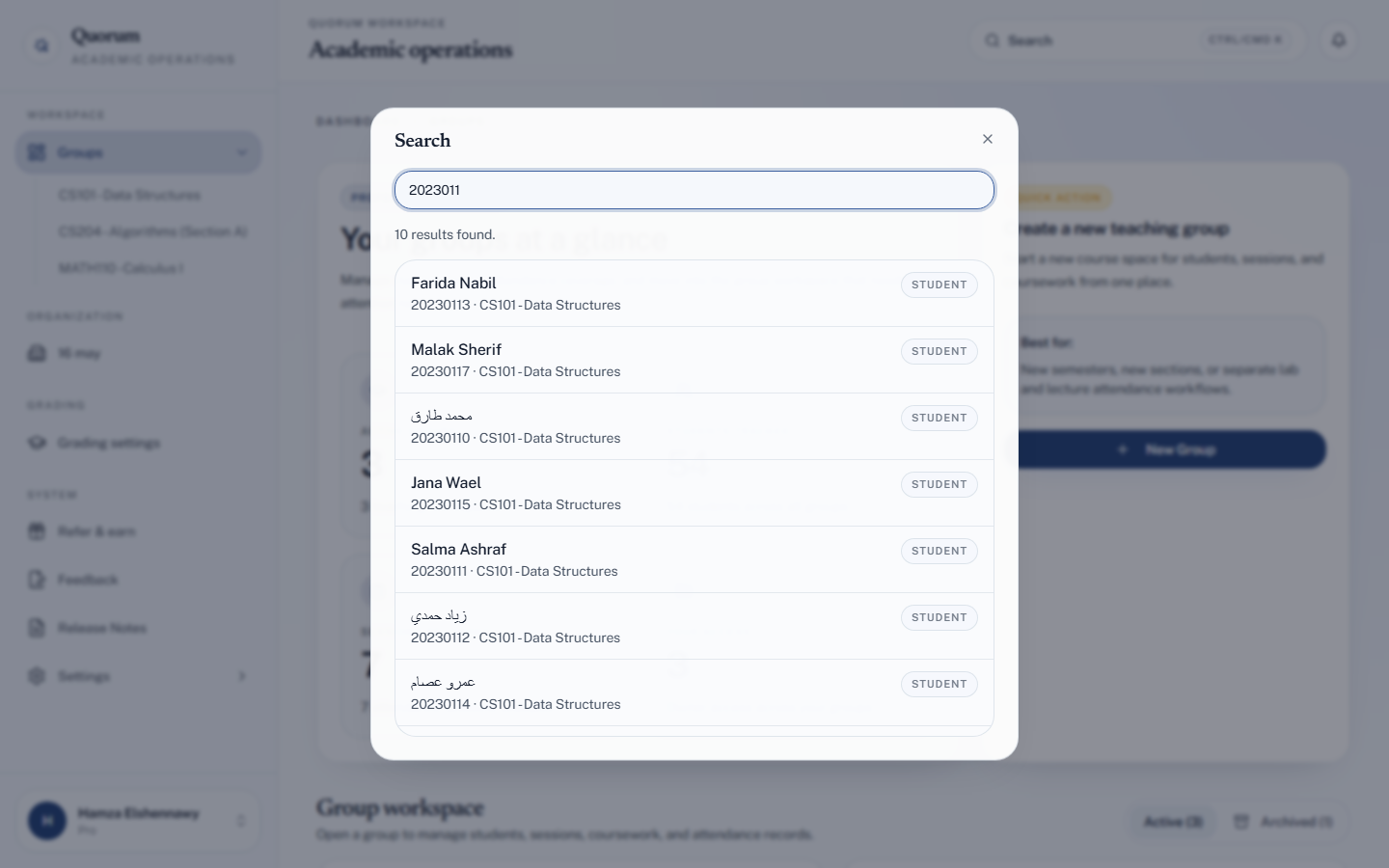
What it searches
Groups, students, sessions and coursework — in one list, labelled by type. Choosing a result goes straight to it.
Search by university ID
This is the one worth building a habit around.
A student appears at your office door with a question about attendance. You do not need to know which of your courses they are in, or scroll a list of two hundred names. Type their university ID, and their record opens.
It works across every group you have access to, so a student taking two of your courses returns both.
Search covers the groups shared with you, and nothing else. A TA searching a student who is only in a group they were not invited to gets no result — that is the permission model working, not a failure.