Let students see their own attendance
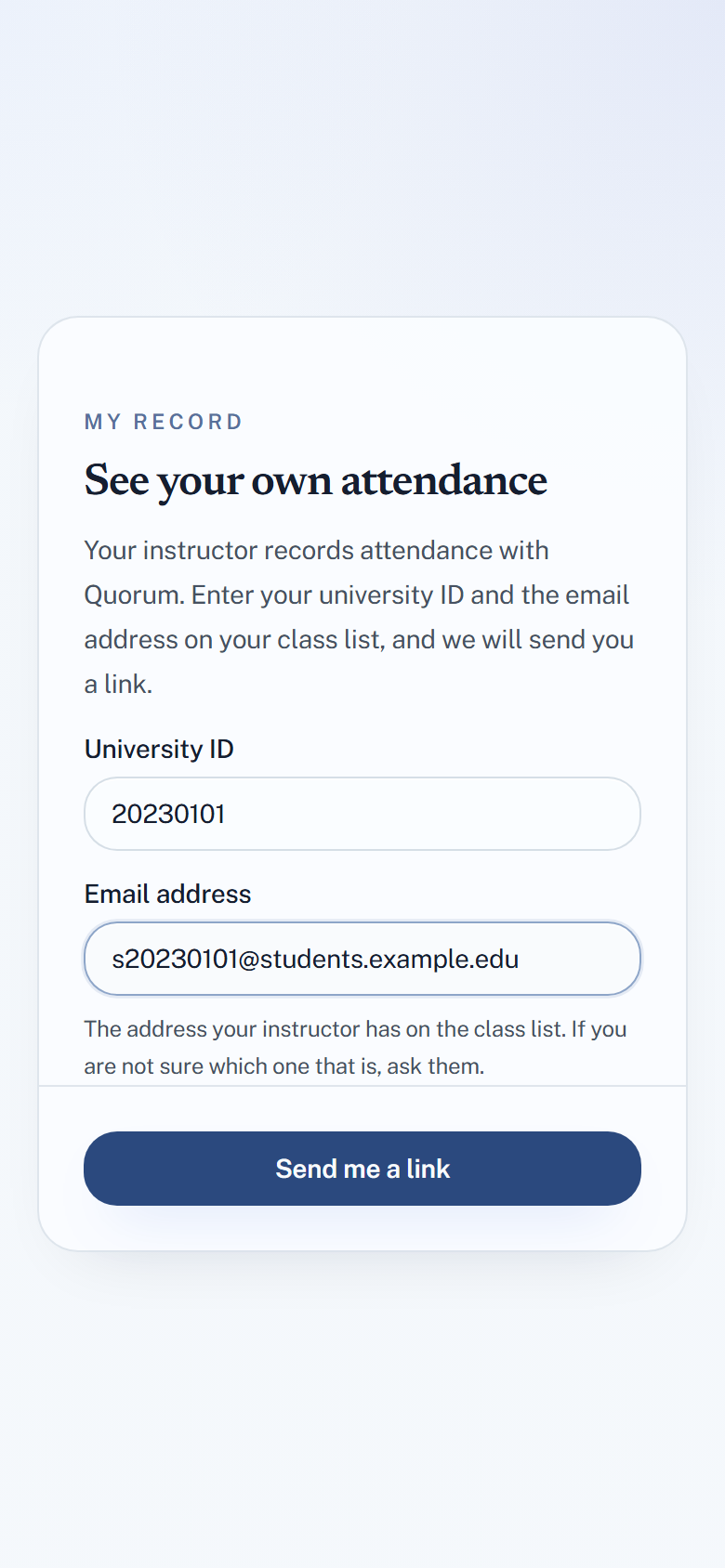
Students can look up their own attendance at quorumqr.app/student, instead of emailing you to ask how many lectures they have missed. They still have no accounts: a student enters their university ID and email address, and Quorum mails them a one-time link.
It needs one thing from you: the student's email address on the roster.
What you need to do
Import your class list with its email column. In the import dialog, set Email Column (optional) to the column holding addresses. See Import students from a spreadsheet.
A student with no address on the roster cannot use the portal — there is nowhere to send their link. That includes:
- students you added by hand, which has no email field
- students who were already in the group when you re-imported a file with addresses — re-importing skips anyone already there, email included
So bring the addresses in with the first import of the term.
What the student does
- Open quorumqr.app/student.
- Enter their University ID and the Email address on your class list, and choose Send me a link.
- Open the email and follow the link, then Open my record.
The link works for 30 minutes and only once. The student stays signed in for 12 hours on that browser, and can Sign out on a shared computer.
If the ID and address do not match a roster, the student is told the same thing as if they did — If those details match a student on a roster, a link is on its way — so the page cannot be used to find out who is enrolled.
What the student sees
For each group they are in: their attendance rate — "85% — 17 of 20" — and a list of finished sessions with their status: Present, Late, Excused or Absent. Nothing about any other student.
Marks are not shown. The student sees Your marks for this section are recorded but are not published here. Ask your instructor for them.
The page also tells them that only you can change their record, which is where a disagreement should go.